
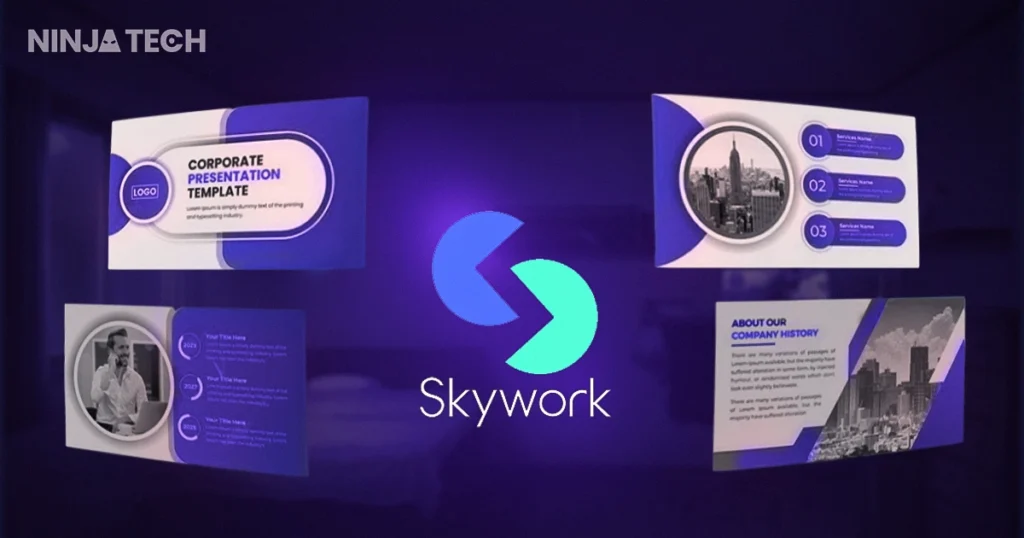
Finding the best AI presentation maker can save you hours of frustrating work on slides. I used to spend countless hours wrestling with slide generation tools, trying to make presentations look good. Then I discovered Skywork AI – the best AI presentation maker I have ever tested – and everything changed.
If you are tired of wasting time on slides, this Skywork AI review will show you why it is quickly becoming the best AI presentation maker for content creators, business professionals, and students alike. In less than 60 seconds, it generates polished presentations with sleek designs and live stats.
Consequently, let us dive deep into what makes this AI slide generator stand out from competitors like Gamma and Beautiful.ai.
What is Skywork?
Skywork AI is a comprehensive AI workspace that transforms simple prompts into professional presentations, documents, spreadsheets, and even podcasts. Unlike traditional AI presentation tools that only generate basic slides, Skywork uses Deep Research technology to gather real-time data from credible sources.
Furthermore, the platform features Super Agents – customizable AI personas like marketers, consultants, and analysts that perform in-depth research before generating content. As a result, your presentations are not just visually appealing – they are backed by accurate, verifiable information.
Key Features That Make Skywork Stand Out
1. Lightning-Fast 60-Second Presentation Generation
First and foremost, Skywork AI speed is unmatched. Simply enter your prompt – for example, Create a 15-slide pitch deck for an AI-powered video editing tool – and watch as the tool generates a complete, polished deck in under a minute.
During my testing, the AI first gathered information based on my topic, then created an outline, and finally built professional slides with images, charts, and perfect formatting. Moreover, the transparency is impressive – you can see exactly what is happening at each stage.
2. Built-in Deep Research for AI Presentations
Unlike competitors, Skywork AI pulls real-time data from the web to ensure your presentations are current and relevant. This feature is particularly valuable for business pitches and investor decks where accuracy matters.
Additionally, the platform automatically cites sources, adding credibility to your content. Therefore, you do not need to spend hours fact-checking or gathering statistics manually.
3. Real-Time AI Presentation Editing
One of Skywork coolest features is real-time streaming generation. As you make edits or add content, the AI generates your presentation live, providing instant feedback on how the final product will look.
Similarly, if you want to regenerate any slide, simply click on it and watch it transform into a modern card-based layout within seconds. You can also use the Add to Chat feature to give natural language instructions for updates.
4. Knowledge Base Integration
This feature is a game-changer for anyone who creates presentations regularly. You can upload documents, links, or connect cloud storage like Google Drive or Dropbox to Skywork Knowledge Base. Subsequently, all your important resources are just a click away when building future presentations.
In other words, instead of searching for content again, you simply click Upload from Knowledge Base and integrate your saved materials directly into your slides.
5. Multi-Language AI Presentation Support
For international teams and global presenters, Skywork AI supports multiple languages including English, Spanish, Chinese, Japanese, and Korean. The platform instantly adapts slides to your chosen language, eliminating manual translation and formatting adjustments.
How to Create Slides with the Best AI Presentation Maker
Getting started with Skywork AI is remarkably straightforward. Here is a step-by-step guide:
- Select the Slide Agent from the dashboard
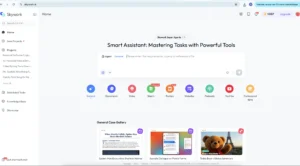
- Enter your prompt describing your presentation needs
- Choose your template from expert-designed options
- Watch the AI research and gather current data
- Review and edit your generated slides
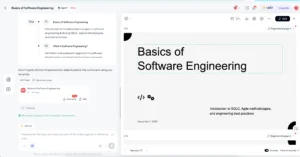 5. Export in PPTX, PDF, HTML, or Google Slides format
Skywork vs. Competitors: How Does It Compare?
When comparing the best AI presentation makers in 2025, Skywork AI consistently outperforms in several key areas:
| Feature | Skywork AI | Gamma | Beautiful.ai |
|---|---|---|---|
| Generation Speed | ~60 seconds | 2-3 minutes | 3-5 minutes |
| Deep Research | Built-in | Limited | No |
| Knowledge Base | Yes | No | No |
| Multi-format Export | PPTX, PDF, HTML | PPT, PDF | PPT, PDF |
| Pricing | ~$19.99/mo | $8-10/mo | $12-40/mo |
Who Should Use This AI Presentation Tool?
Based on my extensive testing, Skywork AI is ideal for:
- Business Professionals: Create investor-grade pitch decks with verified data in minutes
- Content Creators: Generate presentation content alongside documents and podcasts
- Students and Educators: Build lecture materials and academic presentations quickly
- International Teams: Leverage multi-language support for global presentations
Final Verdict: Is Skywork AI Worth It?
In conclusion, this Skywork.ai review confirms what many early adopters already know – it is genuinely revolutionary for presentation creation. The combination of 60-second generation, deep research capabilities, and knowledge base integration makes it the best AI presentation maker for professionals who value both speed and quality.
Ultimately, while Gamma remains a solid choice for design-focused users, Skywork AI research-backed approach and multi-modal capabilities set it apart. If you are tired of spending hours on presentations, Skywork AI is the solution you have been waiting for.
Ready to transform your presentation workflow? Try Skywork today and experience the future of slide creation.
Want to see this best AI presentation maker in action? I created a detailed video walkthrough showing exactly how Skywork AI works – from entering your first prompt to exporting your finished presentation.Watch it to explore more.
For more blogs explore the website: https://ninjatech.live/Frequently Asked Questions (FAQs)
What is Skywork?
Skywork is an AI-powered workspace that creates professional presentations, documents, spreadsheets, and podcasts from simple text prompts. It uses Deep Research technology to pull real-time data from credible sources, ensuring your content is accurate and up-to-date.
How fast can Skywork create a presentation?
Skywork can generate a complete, polished presentation in approximately 60 seconds. This includes researching your topic, creating an outline, designing slides, and adding relevant images and charts.
Is Skywork free to use?
Skywork offers a free tier with limited features. The full premium subscription costs approximately $19.99 per month, which includes access to all Super Agents, unlimited presentations, and advanced features like Knowledge Base integration.
How does Skywork compare to Gamma?
While both are excellent AI presentation tools, Skywork offers built-in deep research capabilities and knowledge base integration that Gamma lacks. However, Gamma is more affordable at $8-10 per month and excels in design flexibility. Skywork AI is faster, generating slides in 60 seconds compared to Gamma’s 2-3 minutes.
Can I export Skywork presentations to PowerPoint?
Yes, Skywork supports multiple export formats including PPTX (PowerPoint), PDF, HTML, and Google Slides. This makes it easy to share and edit your presentations in your preferred platform.
Does Skywork support multiple languages?
Yes, Skywork AI supports multiple languages including English, Spanish, Chinese, Japanese, and Korean. The platform automatically adapts your slides to your chosen language, eliminating the need for manual translation.
What is the Knowledge Base feature in Skywork?
The Knowledge Base allows you to upload documents, links, or connect cloud storage like Google Drive and Dropbox. Subsequently, you can quickly access these resources when creating future presentations, saving time and ensuring consistency across your content.
Who should use Skywork?
Skywork is ideal for business professionals creating pitch decks, content creators needing multi-format content, students and educators building lecture materials, and international teams requiring multi-language presentations.